When the Brain Gets Arms
In the last post, I described a world that no longer exists. A world where writing tutorials made sense. Where Google brought traffic. Where human expertise felt irreplaceable.
Then AI broke the model. The machine could answer questions faster, better, and without cookie banners.
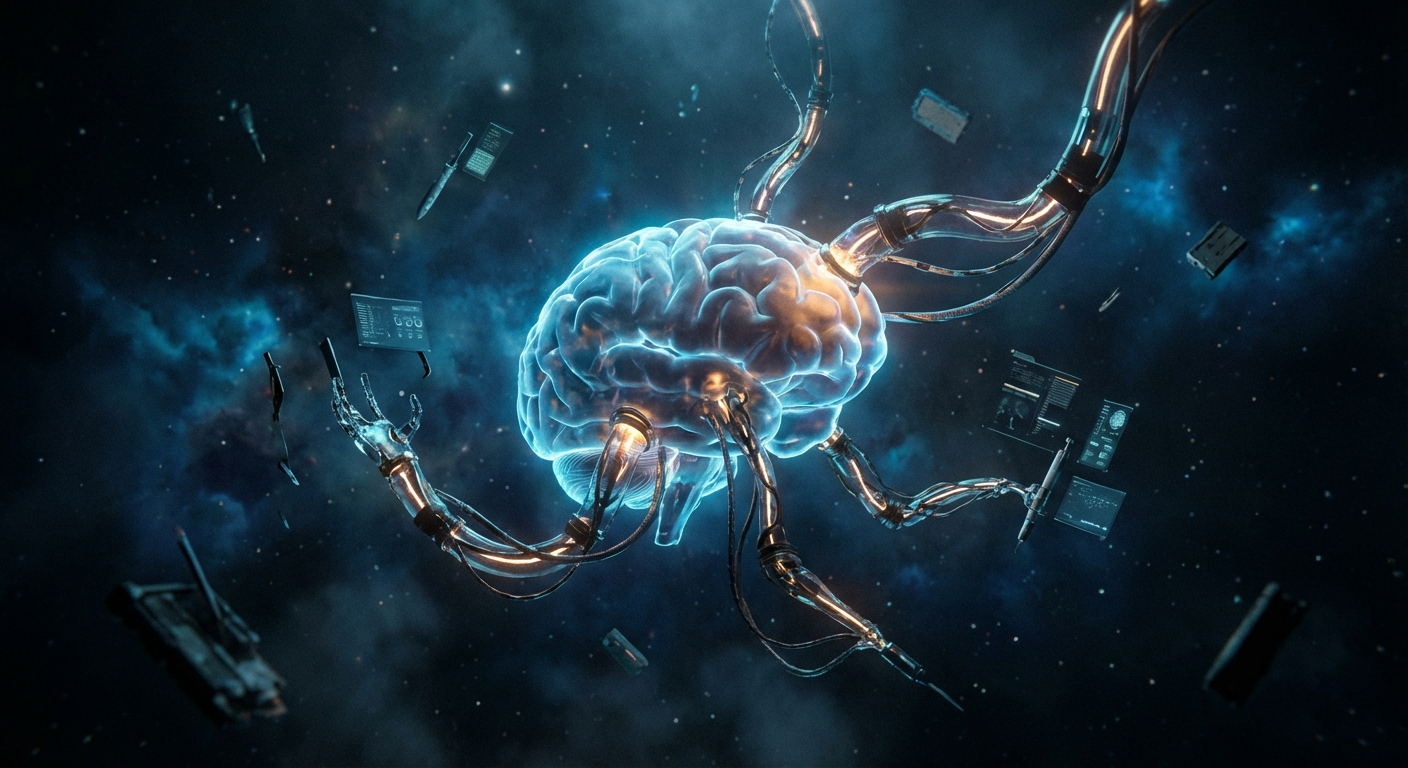
But that was just the beginning. Because a brain that can answer questions is impressive. A brain that can reach out and touch things? That changes everything.
The Last Moat Falls
The first crack was subtle. I noticed it sometime in 2024.
I was trying to learn a new library. Something fresh, barely documented. The kind of thing where ChatGPT would usually fail because its training data was months behind. My last advantage. The machine doesn’t know what’s current. I do.
Except now it did.
AI could search the web. Not just recite old knowledge, but go out, find the latest docs, read them, and synthesize an answer. In real time. Google started embedding AI answers right at the top of search results. The line between “searching” and “asking” disappeared.
That last moat I’d been standing behind? Gone.
But even then, the AI was still just a brain in a box. It could think. It could talk. It could search. What it couldn’t do was act. It couldn’t open a file, run a test, or change a line of code. For that, you still needed a human.
Not for long.
The Intern Looking Over Your Shoulder
GitHub Copilot arrived in my IntelliJ sometime in early 2024. The experience was straightforward. You type, it suggests. Tab to accept, keep typing.
Tab. Tab. Tab.
It was productive. Genuinely. Boilerplate that used to take five minutes appeared in seconds. The AI had seen a million similar patterns and knew what came next. Auto-complete on steroids.
But it was a one-way street. The AI watched what I was doing and guessed the next line. It couldn’t ask a question. It couldn’t look at another file to understand the bigger picture. It was like having an intern who looks over your shoulder and finishes your sentences. Helpful, but limited to what’s on your screen right now.
I got used to it. It felt normal. Like every productivity tool that eventually becomes invisible. The way you stop noticing your IDE’s syntax highlighting after a week.
Then JetBrains released Junie.
From Typing to Directing
Junie was different. Fundamentally different.
Instead of completing the line I was writing, Junie could see the entire project. Multiple files. The whole structure. I didn’t have to explain what I wanted character by character anymore. I could describe a goal, and the AI would figure out which files to touch, what changes to make, and how to connect the pieces.
The shift was disorienting. One day I was writing code with an AI whispering suggestions. The next day I was watching an AI write code while I described what I wanted.
I wasn’t typing anymore. I was directing.
It felt like the difference between playing an instrument and conducting an orchestra. Same music. Completely different skill.
IntelliJ started feeling like the wrong tool. Not because it was bad. Because the center of gravity had shifted. The IDE was built for humans who write code. I was becoming a human who describes code.
The Terminal Takes Over
Then I found Claude Code. And everything changed again.
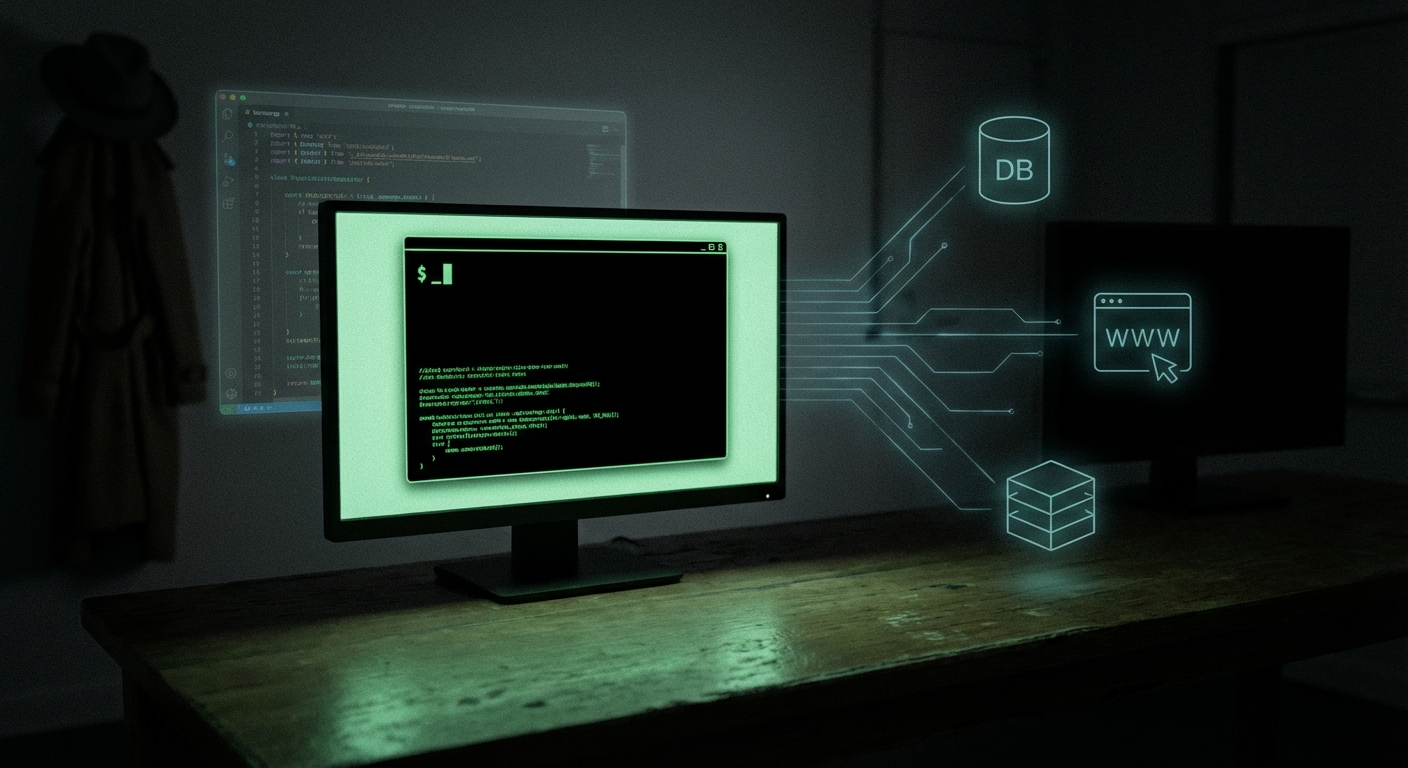
Claude Code doesn’t live in an IDE. It lives in the terminal. There’s no fancy GUI, no panels, no toolbars. Just a prompt. You describe what you want. The AI reads your codebase, plans an approach, writes the code, runs the tests, fixes what breaks, and commits the result. All by itself.
The first time I watched it do this, I just sat there. It was like watching someone else work on my project, except that someone understood it better than most humans would after a two-week onboarding.
I cancelled my IntelliJ license. Seriously. The IDE I’d used for years. The tool that was supposed to be the center of a developer’s world. Cancelled. Because the terminal was now the center of my work.
But the real revolution wasn’t the interface. It was what happened underneath.
Giving the Brain Hands
Here’s where it gets interesting. Because a brain in a terminal that can read and write files? That’s useful. But a brain that can reach out and interact with anything? That’s a different category entirely.
That’s what MCP does. The Model Context Protocol.
Think of it this way. Before MCP, the AI was like a brilliant consultant locked in a room with a stack of papers. Smart, but limited to whatever you slid under the door. MCP gives that consultant a phone, a computer, and access to every system in the building.
Databases. APIs. Browsers. Docker containers. The filesystem. Email. Calendars. Anything that has an interface, MCP can connect to it. And it does this through a universal standard. No custom integrations. No glue code. You plug in an MCP server, and the AI can talk to that service as naturally as it talks to you.
The first time I connected a Playwright MCP server and watched Claude Code navigate a website, fill in forms, and take screenshots to verify the result, something clicked. This wasn’t just code generation anymore. The brain had hands. It could reach out and touch the world.
I started adding more servers. A Docker MCP for managing containers. A Git server for version control. A YouTube server for transcribing videos. Each one expanded what the AI could do. Not by making it smarter. By giving it more reach.
The ROADMAP in my project captures this progression:
| What you give | What the AI becomes |
|---|---|
| MCP connections | A craftsman with tools |
| Project knowledge | A colleague who understands context |
| Skills and memory | A junior developer with specializations |
MCP was the first step. Giving the brain hands and feet. Turning it from a consultant in a room into a craftsman who can use tools.
But hands without knowledge are just flailing.
Documentation for Machines
Here’s something that felt strange at first and now feels obvious.
I started writing documentation. Not for humans. For the machine.
CLAUDE.md is a markdown file at the root of your project. When Claude Code starts, it reads this file first. It’s the machine’s onboarding document. Your project’s architecture. Conventions. Workflows. The things a new team member needs to know on day one.
Except this team member reads it in milliseconds and never forgets.
I found myself writing things like: “This project uses hexagonal architecture. Domain logic lives in src/domain/. Never import from infrastructure into domain.” And: “Run tests with ./gradlew test. If a test fails, read the error message carefully before attempting a fix.”
The kind of instructions you’d give a junior developer. And for the same reason: if you don’t say it explicitly, they’ll do it wrong. The AI is no different.
The shift was subtle but profound. I wasn’t just giving the AI access to my codebase. I was giving it understanding. Context. The “why” behind the “what.”
Remember the offshoring lesson from the first post? Knowledge and context can’t be transferred. That’s what kept us safe. Well, CLAUDE.md is the transfer mechanism we said couldn’t exist. A markdown file that captures the context a machine needs to work effectively on your project.
It works. Not perfectly. But well enough that the output quality jumped noticeably. The AI stopped making architectural mistakes I’d seen it make repeatedly. Because now it knew the rules.
From Tool to Colleague
The third step was the strangest. Because it’s where the AI stopped feeling like a tool and started feeling like a colleague.
Skills are reusable instruction sets. Think of them like job descriptions. You define what a skill does, what tools it can use, and how it should approach a task. Then you invoke it with a slash command.
In my setup, I have skills like /review that reads a pull request, checks for architectural violations, and flags security concerns. /e2e-test that spins up a Playwright browser, navigates through the application, and verifies critical user flows. /api-design that takes a feature description and drafts an OpenAPI spec following our project conventions. Each one is a specialist. A colleague with a specific expertise.
The moment that really got me was when I ran /e2e-test after a refactor. The skill launched a browser, walked through the registration flow, the login, the dashboard, tested edge cases I hadn’t thought of, took screenshots of every step, and filed a summary of what passed and what broke. All without me touching anything.
I didn’t give it a task. I gave it a capability. And capabilities compound.
Building the first skill was clumsy. Like writing a job description for a role that doesn’t exist yet. How much should you specify? How much should you leave to judgment? Too rigid and the AI breaks on edge cases. Too loose and the output is inconsistent.
But once the first few skills worked, something clicked. I wasn’t configuring a tool anymore. I was building a team. Each skill was a team member with a defined role. And the AI was the person doing the work.
And then it got meta. I built a skill that creates skills. You describe what you need, and the AI drafts the instruction set, follows your project conventions, and sets up the file structure. The team was hiring its own members.
Context is the Hard Problem
There’s a pattern underneath all three steps that took me a while to see.
MCP, CLAUDE.md, Skills. They look like three different things. But they’re all solving the same problem: context.
The AI model itself? Increasingly a commodity. Every few months a new model comes out that’s slightly smarter than the last. But the intelligence isn’t the bottleneck. The bottleneck is getting the right information to the right model at the right time.
MCP provides access to external data. CLAUDE.md provides project knowledge. Skills provide procedural knowledge. Together, they turn a generic AI into a specialist that understands your specific project, has access to your specific tools, and knows how to do your specific workflows.
The fancy term is Context Engineering. The practical version is: the scaffolding around the model matters more than the model.
I’ve seen this play out repeatedly. A well-contextualized prompt with a mid-tier model outperforms a lazy prompt with the best model available. Every time. The intelligence is table stakes. The context is the differentiator.
The Progression

Looking back, the path from “AI broke my blog” to “AI is my colleague” happened faster than I thought possible.
Phase by phase: The brain could talk. Then the brain could search. Then it could see my code. Then it could write code. Then it got hands (MCP). Then it got knowledge (CLAUDE.md). Then it got skills.
Each step felt incremental at the time. In retrospect, the sum is staggering. I went from an AI that could answer questions to an AI that runs autonomous workflows across my entire development environment.
And the strange part? It still doesn’t feel finished. Because the AI is now capable, but it’s not yet independent. It needs me to define the context. Write the CLAUDE.md. Build the skills. Set the boundaries. The machine can execute, but the human still sets the direction.
That distinction will matter a lot in the posts to come.
For now: the brain has arms. It can reach out, touch the world, and build things. The question is no longer “can the AI do it?” The question is “should it?” and “who decides?”
That’s what the next post is about.